

Framer: The Best AI-Powered No-Code Website Builder in 2026
Framer has become one of the most popular tools for designers and founders who want beautiful, high-performing websites without writing code. With…
Framer has become one of the most popular tools for designers and founders who want beautiful, high-performing websites without writing code. With its powerful Framer AI features, you can now generate entire pages and components in seconds.
What is Framer?
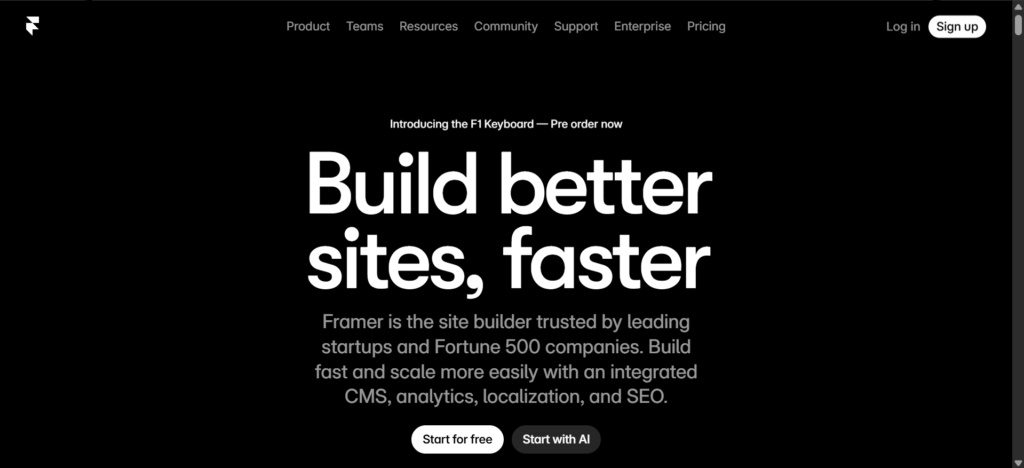
Framer is a visual no-code website builder that combines the flexibility of design tools like Figma with the power of a full website platform. It allows you to design, prototype, and publish fast, responsive websites with smooth animations, built-in CMS, SEO tools, and strong AI capabilities.
Whether you’re a designer, freelancer, startup, or agency, Framer gives you complete creative control while making the process incredibly fast.
Key Features of Framer
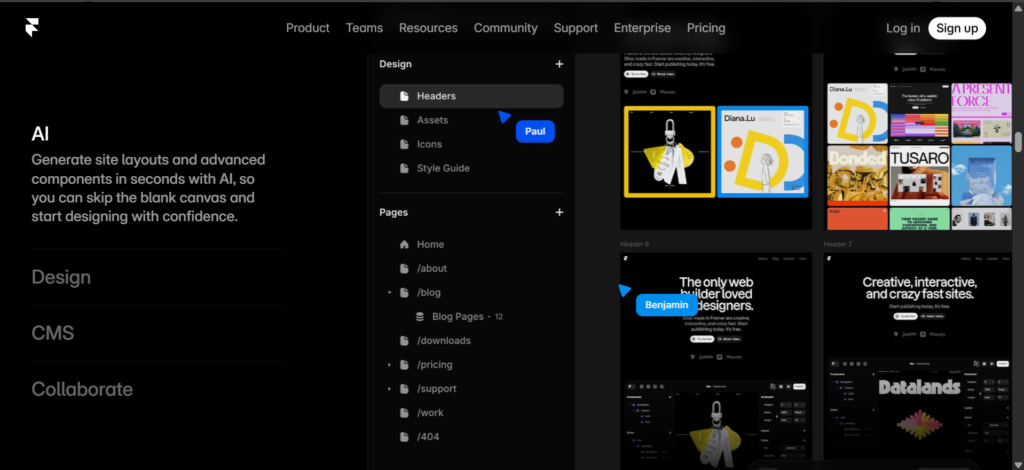
- Framer AI (Wireframer) — Describe your idea in plain text and Framer AI instantly generates a full responsive page with layout, content, and design.
- Workshop & AI Components — Generate custom interactive components and visuals using natural language.
- Powerful Visual Editor — Pixel-perfect design with animations, variants, and responsive controls.
- Built-in CMS — Manage blogs, portfolios, case studies, and dynamic content easily.
- AI Translate — Automatically translate your entire site into multiple languages while keeping your brand voice.
- Fast Hosting & SEO — Blazing-fast hosting, custom domains, built-in SEO optimization, and analytics.
- Collaboration — Real-time team editing and easy client handoff.
Best Use Cases for Framer
Framer is ideal for:
- Designers and agencies building client portfolios and marketing websites
- Startups and founders launching landing pages and SaaS websites quickly
- Freelancers creating personal brands and service sites
- Content creators building blogs and membership sites with CMS
- Teams that need fast iteration and beautiful, animated designs
How Framer Works (Simple Steps)
- Sign Up — Create a free account at framer.com.
- Start with AI — Use Framer AI to generate a page or start from a template.
- Design Visually — Customize everything with the intuitive drag-and-drop editor.
- Add Content & CMS — Connect your data and make the site dynamic.
- Publish — Connect your custom domain and go live with one click.
Framer Pricing
- Free — $0 (Great for testing and personal projects)
- Basic — $10/month (billed annually) — Custom domain, basic hosting, full AI tools
- Pro — $30/month (billed annually) — Advanced CMS, more bandwidth, custom code
- Scale — $100/month — High traffic sites, agencies, and large teams
- Enterprise — Custom pricing
Most users start with the Free or Basic plan and upgrade as needed.
Pros and Cons of Framer
Pros:
- Extremely powerful AI features that speed up design dramatically
- Beautiful, modern designs with smooth animations
- Excellent performance and SEO capabilities
- Designer-friendly interface
- Fast publishing and reliable hosting
Cons:
- Can feel overwhelming for complete beginners at first
- Advanced features require learning the platform
- Higher plans get expensive for large-scale usage
Final Thoughts on Framer
Framer stands out as one of the best AI-powered no-code website builders available today. It perfectly balances creative freedom with speed, making it a top choice for designers and teams who want stunning results without the hassle of traditional coding.
Ready to build your next website? Start for free at framer.com and experience the power of Framer AI today.
Also Check Related HERE
Share this tool
User Reviews
No reviews yet. Be the first to review!