

Claude AI – The Safe, Powerful Thinking Partner
What is Claude AI? Claude AI, developed by Anthropic, is a next-generation AI assistant designed for complex reasoning, coding, writing, and problem-solving.…
What is Claude AI?
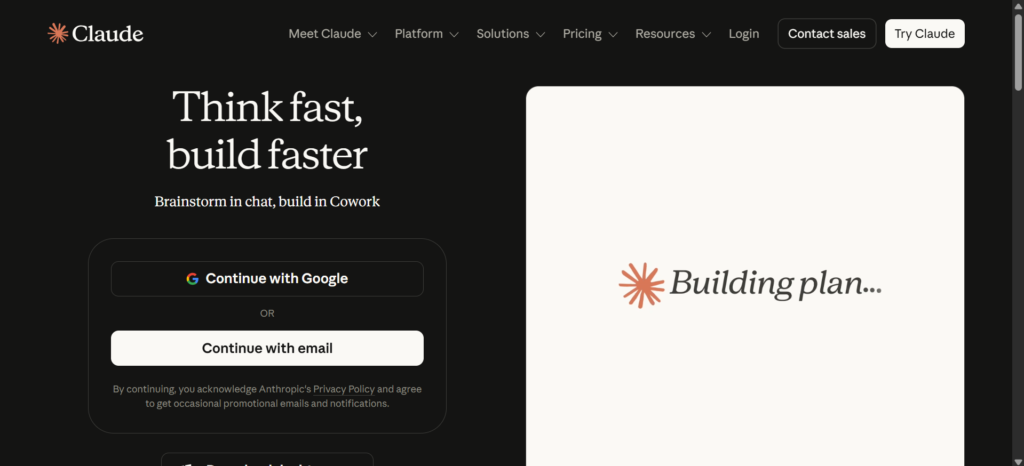
Claude AI, developed by Anthropic, is a next-generation AI assistant designed for complex reasoning, coding, writing, and problem-solving. It helps professionals, developers, students, and teams tackle difficult challenges with accuracy, depth, and reliability while staying helpful and honest.
Key Features of Claude AI
- Advanced Reasoning & Thinking — Claude AI offers extended thinking modes that handle graduate-level analysis, math, and multi-step problems with impressive clarity.
- Superior Coding & Development — One of the strongest areas of Claude AI is coding. It supports code generation, debugging, execution in terminal, and advanced agentic workflows.
- Powerful Vision & Analysis — Claude AI excels at understanding images, interpreting charts, analyzing documents, and extracting data accurately.
- Large Context Window — With support for up to 1 million tokens, Claude AI can handle massive documents, entire codebases, or very long conversations.
- Projects & Memory — Organize your work with unlimited projects, persistent memory, file uploads, and clean workspace tools.
- Integrations & Tools — Works smoothly with Google Workspace, desktop apps, browser extensions, and advanced tool use including computer control.
- Safety-First Design — Thanks to Constitutional AI principles, Claude AI delivers more reliable and ethical responses with fewer hallucinations.
Best Use Cases for Claude AI
Claude AI is especially valuable for:
- Developers and engineers building, debugging, and refactoring large projects
- Writers and content creators drafting articles, marketing copy, and stories
- Professionals analyzing reports, data, and preparing presentations
- Researchers and students diving deep into complex topics
- Teams collaborating on HR, marketing, product, and operations tasks
How Claude AI Works (Simple Steps)
- Sign Up and Start — Visit claude.ai on web, mobile, or desktop and begin chatting.
- Add Context — Upload files, images, documents, or code for Claude AI to understand.
- Give Clear Instructions — Use natural language and enable advanced thinking modes.
- Build and Iterate — Create previews with Artifacts, run code, and refine outputs together.
- Save and Apply — Export results and continue working in organized projects.
Claude AI Pricing Plans
- Free Plan — $0 with basic access and daily limits. Great for testing Claude AI.
- Pro Plan — $20 per month (or $17 when paid annually). Unlocks much higher usage, Opus model, unlimited projects, and priority features.
- Max Plan — $100–$200 per month for heavy users who need maximum capacity.
- Team & Enterprise — Starts around $20–$25 per user/month with admin tools, SSO, and compliance features.
Claude AI also offers a free plan you can try instantly with easy upgrade options.
Pros and Cons of Claude AI
Pros:
- Outstanding reasoning and coding performance
- Very low hallucination rate compared to other tools
- Excellent long-context understanding
- Strong focus on safety and reliability
- Clean, modern interface with useful Artifacts feature
Cons:
- Usage limits on lower plans may feel tight for very heavy users
- Sometimes more cautious with responses than competitors
- API pricing is billed separately for developers
Final Thoughts on Claude AI
Claude AI delivers one of the best overall experiences currently available in AI assistants. Whether you need help with coding, writing, analysis, or complex thinking, it consistently performs at a high level.
Ready to try Claude AI? Start for free today at claude.ai and see why so many professionals are switching.
Also Check similar tool HERE
Share this tool
User Reviews
No reviews yet. Be the first to review!